Pulse Companion
A browser extension that logs time to Jira from anywhere — and turns your meetings into worklogs. The things a Forge app can't do, done as a free companion you install once.
Chrome, Edge & Firefox · Free · Uses your own Jira API token
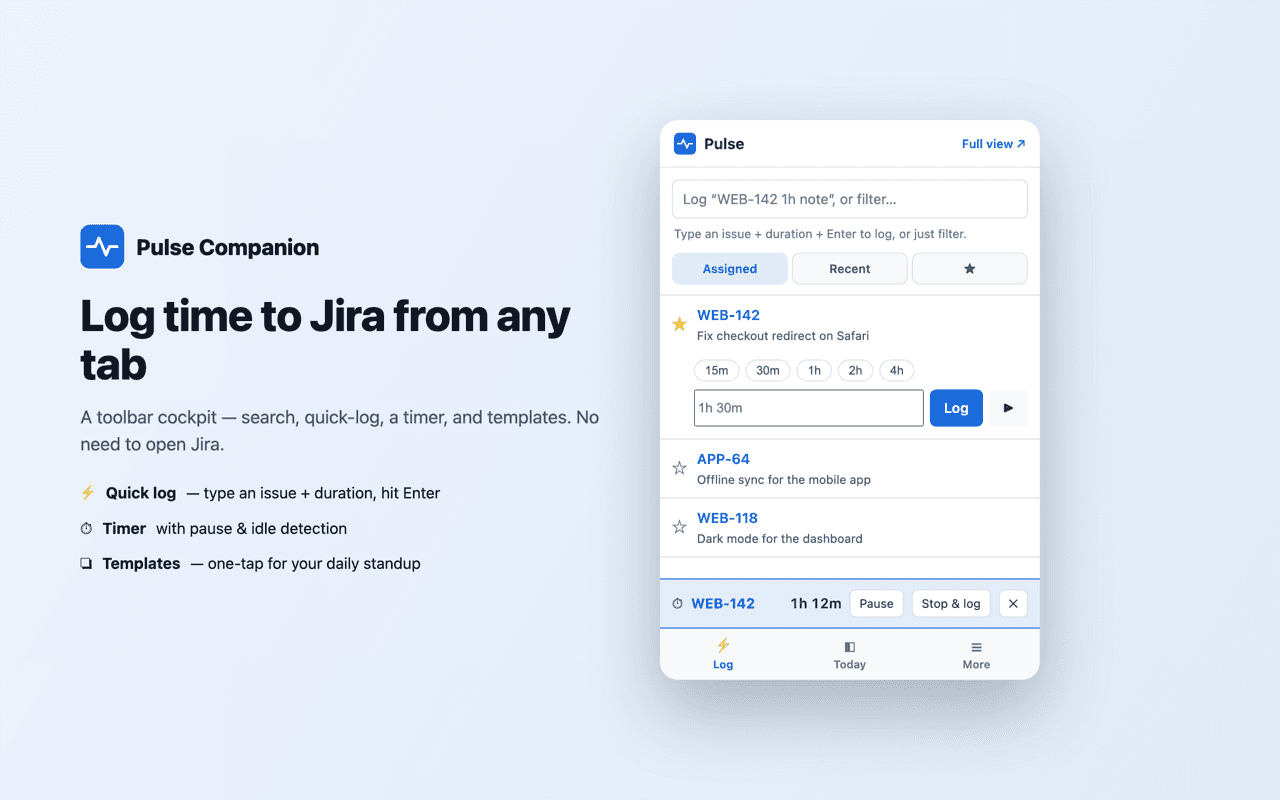
Log from any tab without leaving what you're doing.
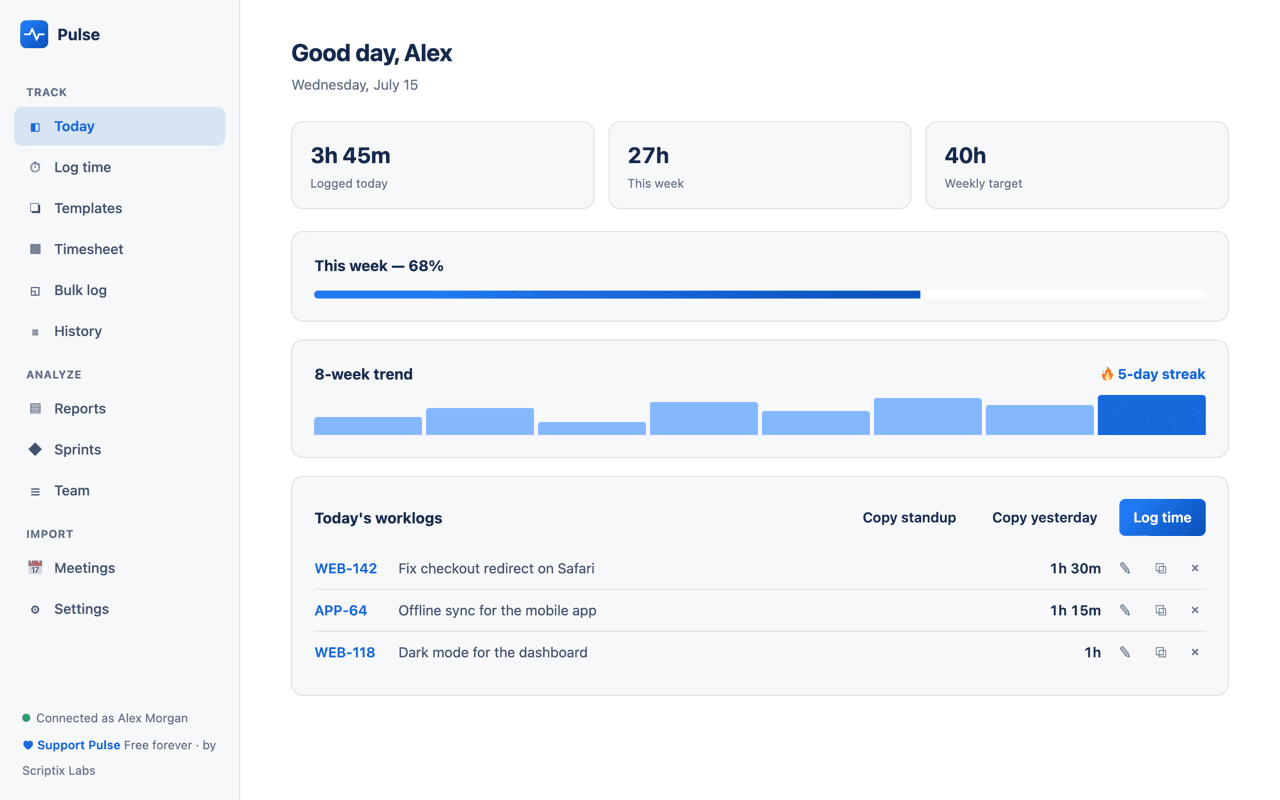
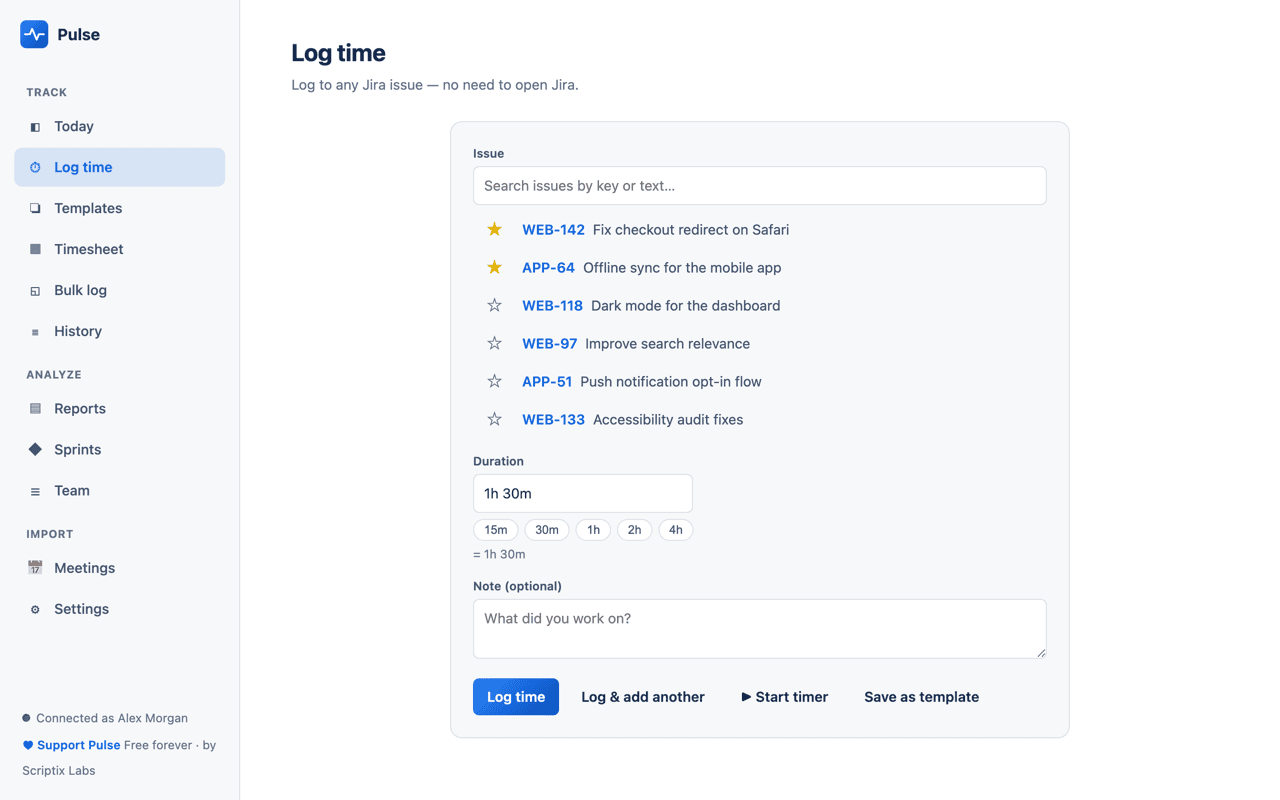
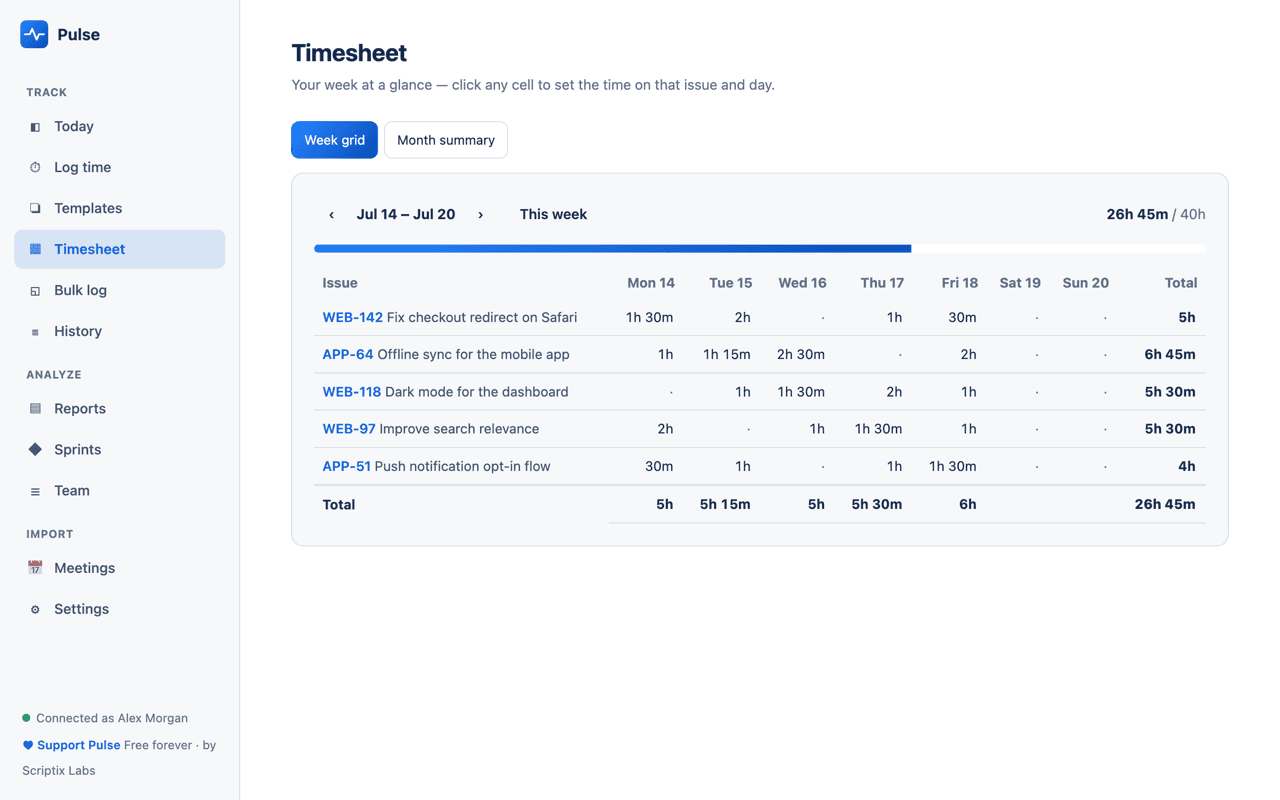
Log from any tab
A toolbar cockpit with a quick-log omnibox — type "PROJ-1 1h30m fixed the bug" and hit Enter — plus issue search, one-tap templates, back-dating to any day, and your recent, assigned, and favourite issues.
A timer everywhere
Start, pause, and stop with a live count-up on the toolbar icon and idle detection ("you were away 12m — subtract it?"). An inline timer appears right on the Jira issue page too.
Log from your code host
On a GitHub, GitLab, or Bitbucket pull request, Pulse spots the Jira issue key and offers a one-click log — right where you're working.
Meetings → worklogs
Connect Google Calendar or Outlook / Microsoft 365, pick a day, and turn each meeting into a Jira worklog. It remembers which issue a recurring meeting maps to.
Offline & multi-site
Log while disconnected — worklogs queue and sync when you're back online. Connect several Jira sites and switch between them in one window.
A full app in your browser
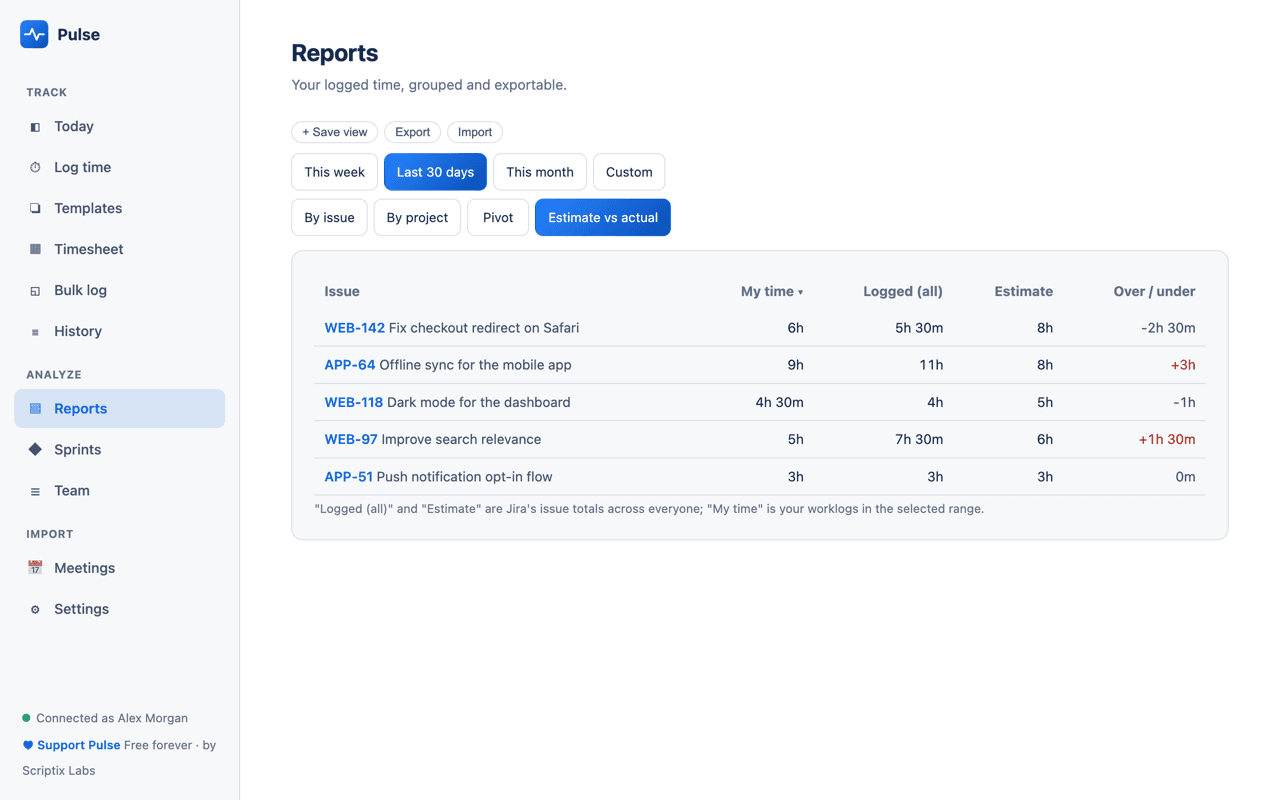
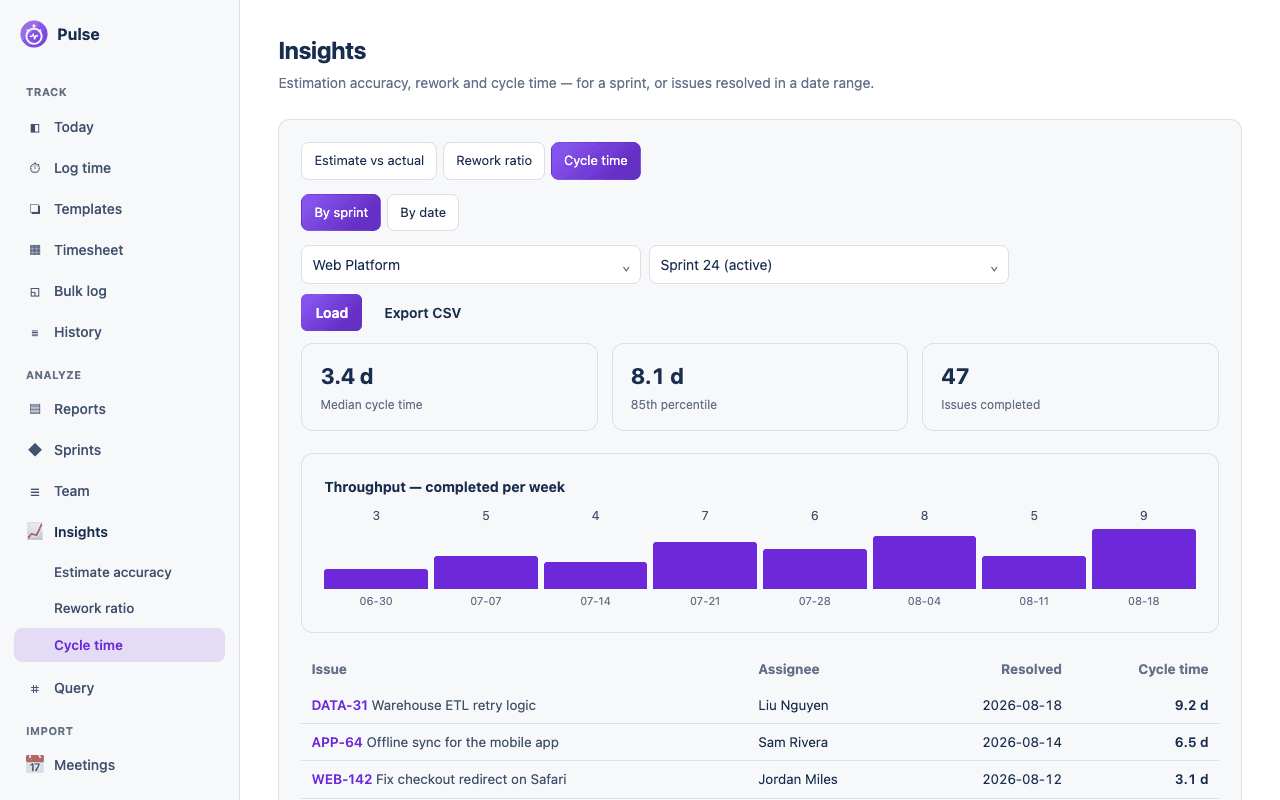
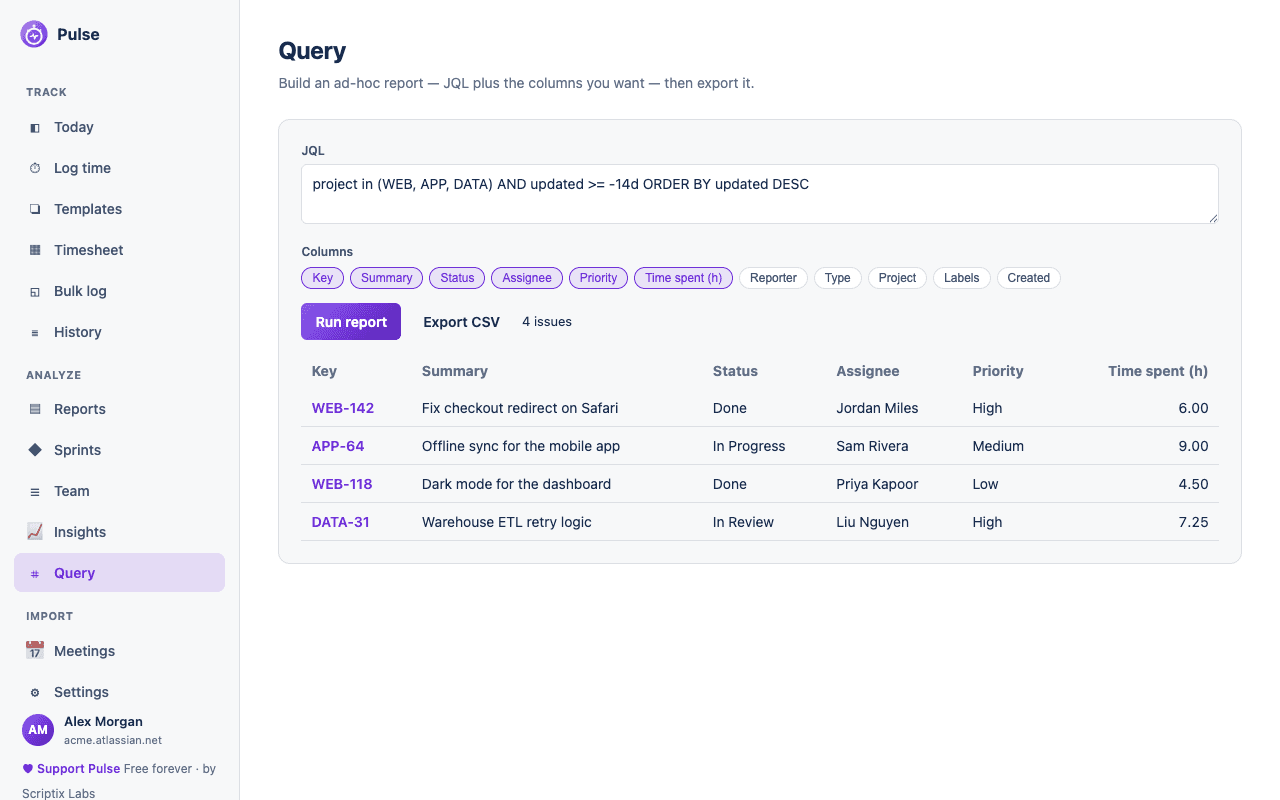
Editable timesheets (week grid, month heatmap, and a click-to-log calendar), bulk logging with paste-from-notes, pivot, estimate-vs-actual, sprint and team reports (a month matrix plus a per-task view), a one-click standup copy, CSV / Excel / PDF export, a ⌘K command palette, and dark mode.
How it works
Install the extension
Add Pulse Companion to Chrome, Edge, or Firefox.
Connect your Jira
Paste your Atlassian email and an API token once. It's stored only in your browser — no servers, ever.
Log from anywhere
Click the icon or right-click a page. Import a day of meetings whenever you like.
Private by design
Pulse Companion talks to Jira, Google, and Microsoft directly from your browser using your own credentials. Your API token and settings stay in local extension storage on your device — there is no Pulse server, no analytics, and nothing is sent anywhere except the Jira site and calendars you connect. See our privacy policy.
Pulse Companion is free forever — if it saves you time you can optionally support it. The Pulse app for Jira stays free and fully featured on its own.